
How Do You Backup Your Computer? 💻💾😌 DIY in 5 Ep 94
Description
Back up your computer! If your hard drive fails or you have a malware attack you can breathe a sigh of relief and know everything will be just fine if you backup. But what should you back up? Let’s start off by looking at what exactly needs to be backed up: personal files like home videos, photos, your music collection, and important documents that would be difficult or impossible to replace. Personal files should be backed up often. You can also backup your operating system, programs, and other settings if you’d like. These can be backups can then be recalled, but having a more comprehensive or even full system backup will save you some time in the event of a computer emergency. Ways to backup your system There’s a few different ways to backup your system and they can be either online
 14:39Data Recovery PTSD: Prep for 45 Drives Offsite BackupLevel1Techs
52.8K views
 43:50"The ZFS filesystem" - Philip Paeps (LCA 2020)linux.conf.au
56.3K views
 1:27:46OpenZFS Basics by Matt Ahrens and George WilsonOpenZFS
48.6K views
 26:04You did WHAT with the dead SSD? And the data?Level1Techs
80K views
 8:53Backups: You're doing 'em wrong!Jeff Geerling
357K views
 5:461162 - How to Easily Recover Deleted Files - Recuva (USB/SD Card and More)Robert Murray-Smith
5.6K views
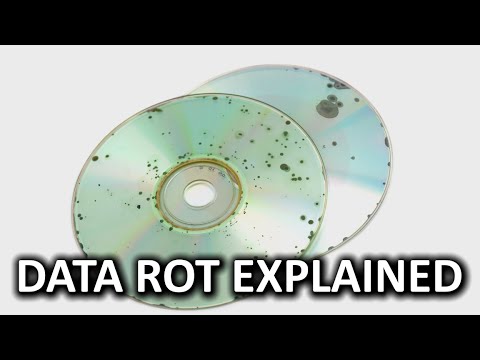 5:16What is Data Rot?Techquickie
1.1M views
 5:57The Worst Backup Idea I’ve Heard (And What to Do Instead)Ask Leo!
1.4M views
 22:43You need a NAS RIGHT NOW!! (How I run my Hybrid-Cloud YouTube business)NetworkChuck
1.2M views
 1:01:58What Happens If The Internet Disappears?Ham Radio Crash Course
18.1K views
 38:18How to Use Cloud Storage Better than 99% of PeopleAll Things Secured
21.2K views
 6:56Incremental vs Differential Backup, & Full - ExplainedPowerCert Animated Videos
477K views
 19:49How Do I Backup All My Servers???Craft Computing
189K views
 18:49Want TOTAL peace of mind? Learn how to backup your PC like a PRO!Ask Your Computer Guy
423K views